Delete List
The list can be deleted from Brixy Lists.
For that need to select through checkbox list or multiple lists and from menu Actions select Trash. In this state nothing is deleted from database.
To really delete Brixy Lists must be filtered by Status Trashed, select through checkbox list or multiple lists and from menu Actions select Empty Trash.
A dialog box will appear in which you will need to specify what to delete from the Brixy Database and from the list's associated table.
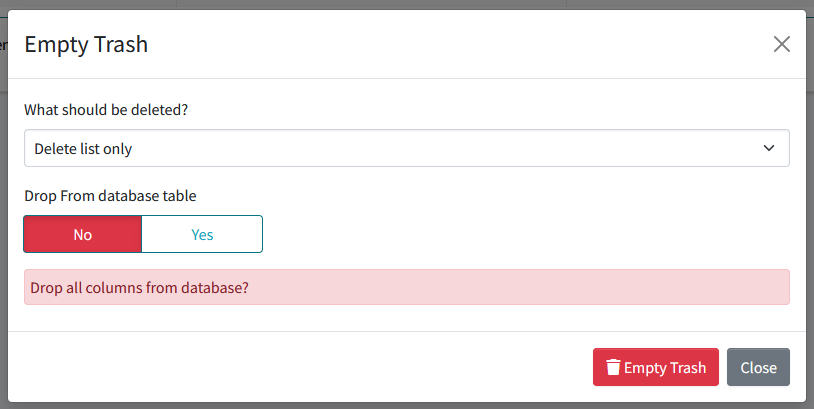
If chooses to delete only the Brixy List, the form, groups, and elements left behind can then be linked to other lists.
With the Drop From database table option, you can choose whether to delete all columns from the database.